Planning ahead
How much contingency should you add to an event budget?
Build a reserve from specific uncertainties, see what it changes, and set clear rules for using it.
Read article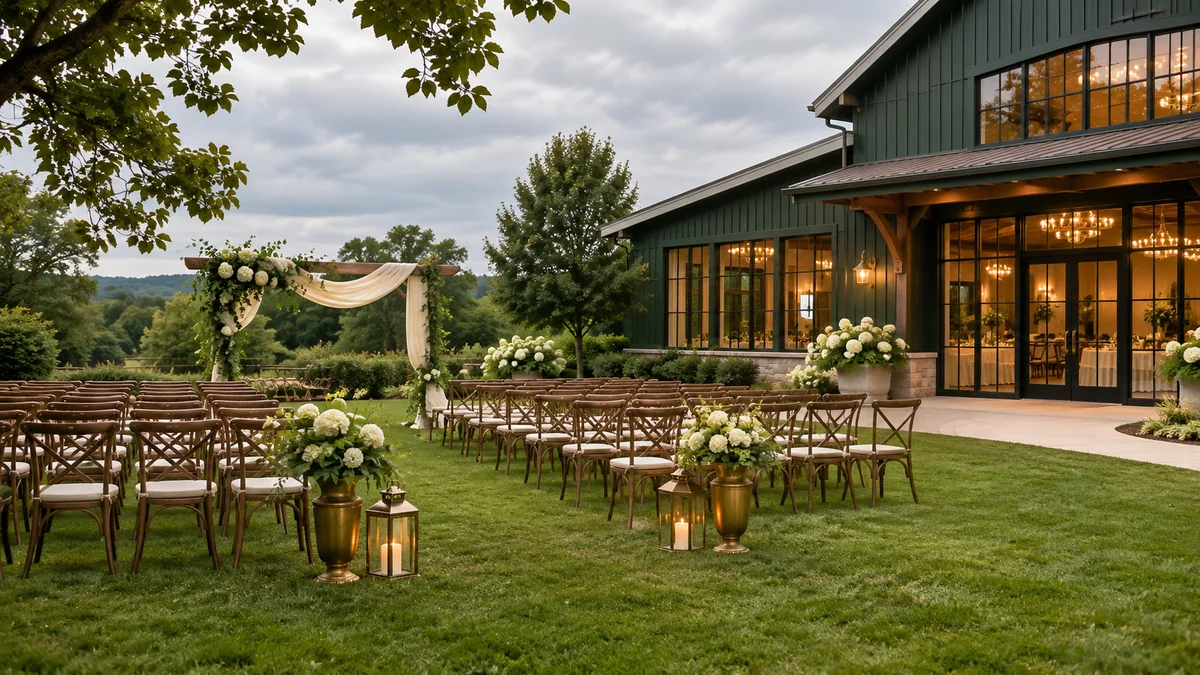
You’ve found the perfect outdoor space. You can picture the tables, the music, and everybody having a great time. Then somebody asks, “What if it rains?” That’s a question to answer while you still have time to choose a backup and find out what it’ll cost.
Choose a safe backup, find out what it costs, and decide who’ll make the call and when. Then test both plans in your budget. Try the backup with fewer ticket sales, too. You’ll want to know what you can afford before the forecast forces the conversation.
Say you’re planning a small outdoor concert. You could keep it outside, move it to a nearby hall, or postpone. Each option needs its own plan and price. A tent might protect guests from rain, but it isn’t a safe lightning shelter. The National Weather Service recommends a lightning safety plan for organized outdoor activities and says to move people to a safe indoor location when thunder is heard. Its guidance says to wait at least 30 minutes after the last thunder before resuming outdoor activity.
You don’t want to be weighing a room rental against people’s safety while a storm is moving in. Get the costs and responsibilities sorted out early. Then your team can follow the safety plan without stopping to figure out who’s paying for the move.
Here’s a made-up budget for that concert. You expect to sell 100 tickets at $35 and receive $300 in sponsor support. Your regular fixed costs are $2,200, and food and supplies cost about $8 per paying guest. An indoor room and extra setup would add $600. For clarity, this example leaves out ticketing fees and assumes all listed sponsor support is received; add your own fees and terms to a real plan.
| Scenario | Money in | Money out | Left after costs |
|---|---|---|---|
| Outdoor, 100 tickets | $3,500 tickets + $300 support = $3,800 | $2,200 fixed + $800 guest costs = $3,000 | $800 |
| Indoor backup, 100 tickets | $3,800 | $2,800 fixed + $800 guest costs = $3,600 | $200 |
| Indoor backup, 90 tickets | $3,150 tickets + $300 support = $3,450 | $2,800 fixed + $720 guest costs = $3,520 | −$70 |
At 100 sales, the indoor plan still leaves $200. At 90, you’re $70 short. That gives you something specific to work on. Could you reduce a cost, get a little more confirmed support, or agree ahead of time to cover that loss? Work through those choices now, rather than hoping a few last-minute sales will take care of it.
Ask your outdoor venue, backup venue, and key vendors the same practical questions. A good answer is specific enough to put in your calendar and budget:
Use this sample line with a vendor: “If we move from the park to the hall by 3 p.m. two days before the event, what’s the total amount we would owe, and which parts change if we postpone instead?” Keep the written answer with the agreement. Don’t assume that “weather flexible” means a free move or refund.
If this is your own one-time event, put the card and contact numbers where your team can reach them quickly. If you plan events for clients, make this a standard pre-sale approval: have the client sign off on the backup option, spending limit, decision owner, and communication plan. Then update the card for each venue rather than starting from scratch.
In the event calculator, try the outdoor plan first. Then add the backup room and setup to fixed expenses and lower paid attendance to your cautious sales estimate. Enter any sponsor support you can reasonably count on. Compare what’s left after costs in both cases. The calculator is a budget test, not a weather forecast or a substitute for a safety plan.
In the budget workbook, list the backup price as a separate planned line and record any deposit already committed. That makes it easier to see what the move would actually add. For other easy-to-miss charges, use our hidden event costs guide; if you’re still comparing spaces and suppliers, the vendor questions guide can help you get clearer terms.
Build a reserve from specific uncertainties, see what it changes, and set clear rules for using it.
Read articlePut deposits, sponsor payments, and ticket payouts in date order so a profitable event does not leave you short of cash.
Read articleTurn the program into an equipment checklist, remove duplicate charges, and compare the full technical cost.
Read article